
A House Video Camera can make a doorway, driveway, or nursery easier to monitor, but choosing one takes more than comparing image quality. The FBI’s Crime in the United States, 2023 report estimated a national property-crime rate of 1,916.2 offenses per 100,000 people. That figure offers broad context, not proof that cameras prevent crime or predict risk on a particular street. Your home’s layout matters. A lens aimed through a bright window may miss a visitor’s face; a camera with a wide view may capture more, but show less detail at a distance. Small details matter.
This guide compares field of view, resolution, night performance, storage, power, and app access, with practical trade-offs for different homes. It also treats privacy and security as buying criteria, not afterthoughts. NIST’s NISTIR 8259A baseline for IoT devices identifies capabilities such as secure software updates, data protection, and access control. Those recommendations offer a useful checklist when reviewing a camera’s specifications and support policies. Still, product claims can be hard to compare, and no feature list guarantees reliable footage. A wired model may be steadier but harder to install; a battery model may be simpler but need charging. The right choice depends on where you will place it, what you need to see, and how you prefer to store recordings. A little uncertainty is normal. We’ll separate useful evidence from marketing language so you can choose with clearer expectations.
Define Your Home Security Needs and Monitoring Areas
Start with a specific concern, not a camera feature list. Do you want to see who approaches the front door, watch a detached garage, or check a hallway at night? Each goal calls for a different view. A wide-angle camera may cover a porch, but it can make faces look small from a distance.
Walk through the areas you want to monitor at different times of day. Notice backlighting from windows, dark corners, and branches that move in the wind. These details can affect image clarity and trigger unwanted alerts. Test where a camera might sit before installing it; a view that seems clear at noon may be washed out by evening sun. Small details matter.
Mark essential entry points and the paths people use to reach them. Avoid aiming cameras into neighboring windows or private household spaces. Think about who will review recordings, how long they need to be kept, and whether the system still works during a Wi-Fi outage. These needs may change. A temporary camera position can help reveal blind spots, though it may not show how the view changes across every season. Tie each monitoring area to a clear purpose, such as identifying a visitor or checking whether a side gate is closed.
| Security Need | Area to Monitor | Suitable Camera Type | Useful Features | Placement and Privacy Considerations |
|---|---|---|---|---|
| See who approaches the main entrance | Front door, porch, or entry path | Outdoor camera or doorbell-style camera | Motion alerts, night vision, two-way audio, weather-resistant housing | Aim to capture your entrance and approach while limiting views into neighboring homes or windows. |
| Monitor deliveries and activity near the garage | Driveway, garage door, or side entrance | Fixed outdoor camera with a wide field of view | Adjustable motion zones, local or cloud recording, clear low-light video | Check that vehicles and delivery areas are visible without recording more of the street than necessary. |
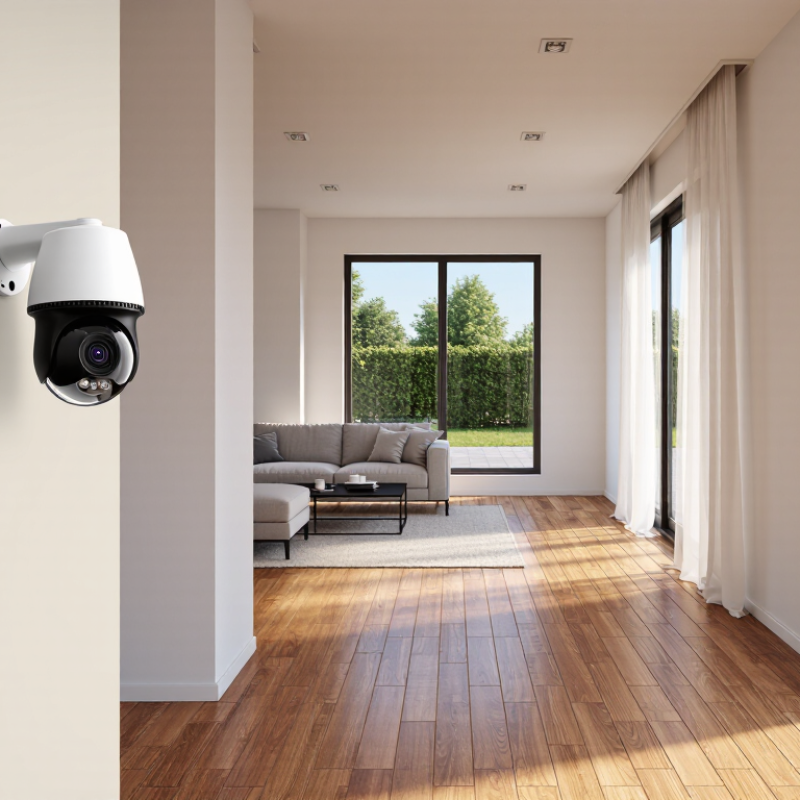
| Check shared indoor spaces while away | Living room, hallway, or main entry hall | Indoor camera with a privacy control | Privacy shutter or mode, motion notifications, optional audio controls | Avoid bathrooms and bedrooms; tell household members and guests when indoor monitoring is in use. |
| Watch a gate, shed, or less-used side of the home | Side yard, garden gate, or outbuilding entrance | Outdoor camera suited to the available power and network coverage | Weather resistance, reliable connectivity, motion-based recording, suitable night vision | Test the wireless signal at the mounting location, or plan a wired connection if coverage is unreliable. |
| Receive alerts without being overwhelmed | Any monitored entrance or high-traffic area | Camera with configurable detection settings | Activity zones, adjustable sensitivity, schedules, person detection where available | Set zones to reduce alerts from passing traffic, trees, or other routine movement. |
| Keep recordings available after an event | Locations where recorded evidence is most important | Camera with a storage option that fits your needs | Local storage, cloud storage, or both; retention controls; account security settings | Review storage costs, recording duration, internet requirements, and who can access saved footage. |
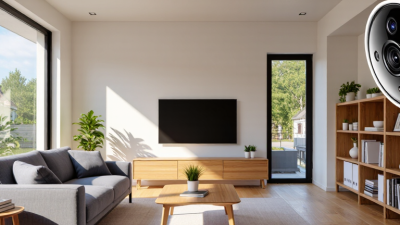
Choose a camera by where it will work, not just by its feature list. Indoor cameras suit living rooms, hallways, and entry areas protected from rain. Outdoor models need weather-resistant housings, sealed connections, and useful night vision. A covered porch can still catch wind-driven rain, so check the camera’s stated temperature and weather limits. Aim it at your own doorway or path, and avoid capturing more of a neighbor’s property than necessary. Small placement choices matter.
Wired cameras usually provide steady power and can offer a reliable connection, but installation may require cables through walls or ceilings. Wireless models are easier to position, though battery-powered units need charging. Wi-Fi can also weaken behind brick walls or at the far end of a yard. Test the signal where you plan to mount the camera. Not always convenient. A strong signal indoors may disappear outside.
Tips: Compare storage options, motion alerts, and night footage before buying. Check the live view at dusk, when glare from a porch light may wash out faces. Keep cables tidy, and make sure you can reach the camera for cleaning or battery changes. I once underestimated how often a high-mounted battery camera needed attention; a lower spot would have been easier to maintain.
A house video camera should capture details that help you understand what happened, not just produce a sharp-looking image. Check recorded footage on a phone and a larger screen, especially around faces, doorways, and package areas. Higher resolution can reveal more, but poor lighting or heavy compression may still blur movement. Test the camera from its intended position before deciding. Small placement changes matter.
Night vision deserves a real-world check. Look for even illumination across the view, including the edges of a porch or driveway. Some cameras switch to infrared, which can make clothing and faces appear in shades of gray. Nearby glass may reflect infrared light back into the lens. That matters. If possible, compare nighttime recordings with porch lights on and off; color footage may be clearer, but it can also attract insects or wash out nearby objects.
Detection features should fit the area being monitored. Adjustable motion zones can reduce alerts from a swaying tree or passing traffic, while person or vehicle detection may make notifications more useful. Test alerts at different distances and during ordinary activity. False alarms happen. A camera can miss a quick movement, too, so treat detection as a helpful prompt rather than a guarantee. Review how long clips are saved and whether settings are easy to change; I would not assume the default setup is right for every home.
A house video camera can be wired, battery-powered, or plugged into an outlet. Match the power source to the place you plan to mount it. A battery model may need frequent charging if it records often, while an outdoor outlet can be inconvenient to reach. Check whether recording continues during a power cut; don’t assume it does. Small details matter.
Connectivity deserves a real test. The 2024 FCC broadband benchmark report sets 100 Mbps download and 20 Mbps upload as the fixed-broadband standard. That is a household benchmark, not a camera requirement. A camera sends video upstream, so check upload speed beside the intended mounting spot, with other devices in use. Thick walls can weaken Wi-Fi. A signal that looks fine near the router may falter at the front gate.
Storage costs depend on resolution, motion activity, and retention time. As a rough calculation, one continuous 1 Mbps stream uses about 10.8 GB per day; actual use varies. Local cards or recorders avoid a recurring cloud fee, but may be lost or damaged with the device. Cloud plans can retain footage off-site, yet check subscription terms, clip limits, and playback history before buying. I would leave extra capacity. Estimating storage is easy to get wrong.
Choose camera positions by asking what each view truly needs to capture. A front-door camera should show faces and the approach, not a neighbor’s window. Indoors, aim toward entry points rather than bedrooms or bathrooms. Walk through the room at different times of day; bright windows can turn a face into a silhouette. Test it at dusk. A small blind spot may remain, and that is worth noticing before drilling.
Installation affects both image quality and privacy. Mount outdoor cameras under eaves where possible, away from direct rain and reachable cables. Check the live view from a phone before fixing the bracket permanently. Verizon’s 2024 Data Breach Investigations Report found that 68% of breaches involved a non-malicious human element. The figure concerns organizations, not household cameras, but it underlines why shared logins and careless access matter. Use unique passwords, enable multi-factor authentication, and limit household access to people who need it.
Set motion zones to avoid constant alerts from passing cars or swaying branches. Review recordings and retention settings, and disable audio or indoor recording when it is unnecessary. Keep camera software updated; place the router where its connection remains stable, not hidden in a metal cabinet. That can feel awkward. Privacy settings are easy to postpone, so check them during installation and again after a household routine changes.