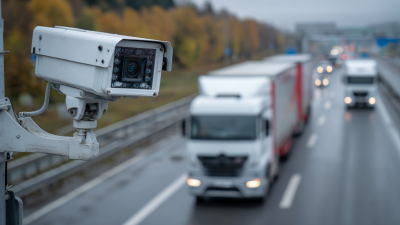
What Is a Security Camera and How Does It Work?
A security camera is more than a lens pointed at a doorway. It captures light, turns the scene into digital images, and stores or transmits those images for later review. Some cameras record continuously; others begin recording when motion is detected. A small indicator light, a changing timestamp, or a person crossing a hallway can reveal how the system is working. At a glance, it seems simple.
The details matter. Resolution affects how clearly a face or vehicle appears, while lighting, camera placement, network quality, and storage settings shape the final footage. A sharp camera can still produce an unhelpful image when glare washes out a window or a branch triggers repeated alerts. Within the Cameras Security industry, reliable explanations should distinguish what a camera can capture from what it can actually identify. Security technologist Bruce Schneier’s often-cited principle, “Security is a process, not a product,” applies here: a camera works best as part of a considered system, not as a complete solution by itself.
This guide explains the main camera types, the path from image capture to storage, and common features such as motion detection and night vision. It also considers practical limits, including blind spots and dependence on power or network access. Those limits are easy to overlook. A camera may show that something happened without explaining why. Understanding that difference helps readers assess security cameras with clearer expectations and make better-informed choices for a home or business.
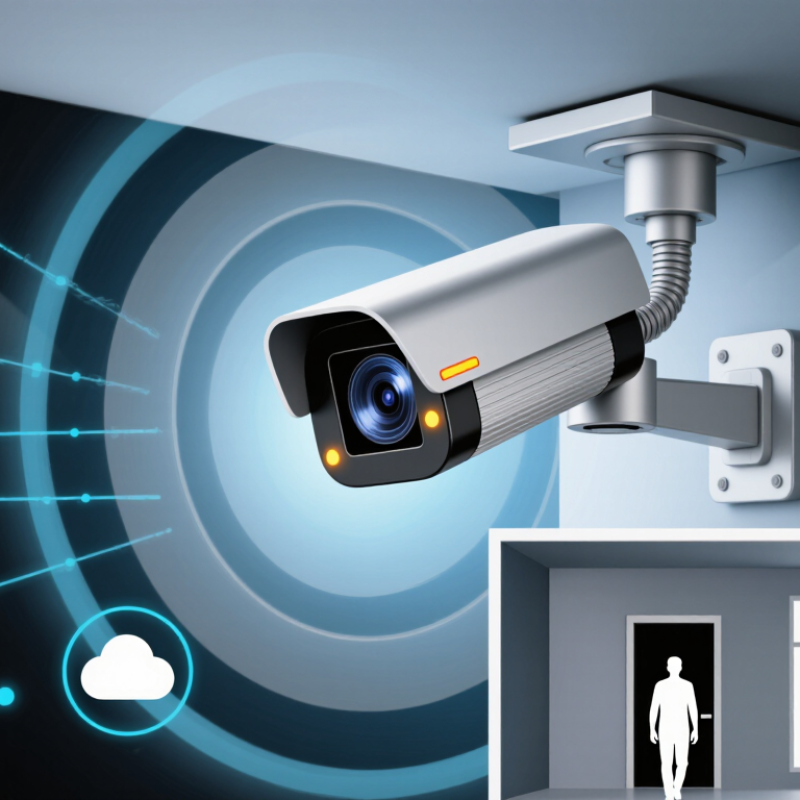
What a Security Camera Is and What It Is Designed to Do
A security camera is a device that captures images or video of a chosen area. It is designed to help people observe activity, review events, and notice changes they might otherwise miss. A camera may record continuously or save clips when its software detects movement. Some systems send alerts or let users view footage remotely. The exact features depend on the camera and its setup.
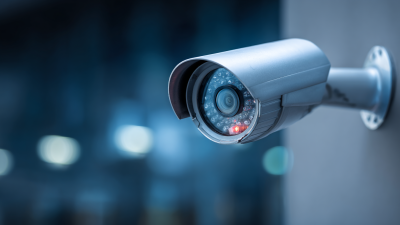
Not magic. In a typical system, a lens gathers light and focuses it onto an image sensor. The camera turns that information into a digital picture, then stores or transmits it. At night, infrared components or nearby lighting may help reveal shapes and movement, though fine details can remain unclear. A camera can document what its lens sees; it cannot reliably explain why something happened. That distinction is easy to overlook. Poor placement, glare from a window, or a blocked view can make footage less useful. Even a well-positioned camera may miss activity outside its frame. Its purpose is observation, not certainty, so choosing a location means thinking carefully about which details matter and which areas will remain unseen.
How a Security Camera Captures and Processes Images
A security camera turns changing light into a sequence of digital frames. The lens focuses a scene onto an image sensor, often CMOS. Each pixel measures incoming light and converts it into an electrical signal. An analog-to-digital converter then assigns pixel values. Small details matter. A dirty lens or bright window can distort the scene before software has a chance to help.
The image processor adjusts exposure, color, and noise, then compresses the frames for storage or transmission. Cisco’s 2018–2023 Annual Internet Report projected that video would account for 82% of consumer internet traffic by 2022. That forecast was not specific to security cameras, but it helps explain why compression matters. Common formats such as H.264 reduce file sizes, though compression can soften fine detail. A practical trade-off is easy to overlook: sharper video may need more storage and network capacity. At night, the camera may raise sensor sensitivity, but this can also make grain more visible. Processing helps. It cannot recover every detail the sensor never captured.
How Camera Footage Is Transmitted, Stored, and Viewed
A security camera converts light into digital video, then sends that data to a recorder, storage card, or cloud service. Wired Ethernet usually offers a steadier connection; Wi-Fi is easier to install but can struggle through walls. The camera may send footage continuously or only when motion triggers recording. Small differences matter.
Storage needs depend on bitrate, resolution, recording hours, and retention time. At 2 Mbps, one camera uses roughly 21.6 GB per day before overhead, or about 650 GB for 30 days. That estimate is only a starting point. Cisco’s 2018–2023 Annual Internet Report forecast that video would make up 82% of consumer internet traffic by 2022; that broad forecast was not specific to surveillance, but it shows why network capacity deserves attention.
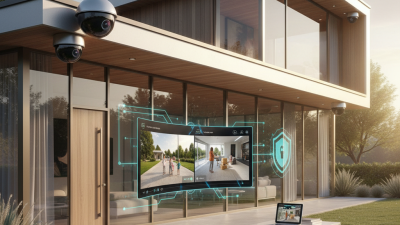
To view footage, an authorized user opens a live stream or searches stored clips by time or event. Local recorders can keep viewing available when internet service fails, while remote access depends on a working connection. Verizon’s 2024 Data Breach Investigations Report found a human element in 68% of breaches across its dataset, not camera systems specifically. Unique accounts and multifactor authentication help protect video access. Retention settings also need regular review; it is easy to keep more footage than anyone will realistically search.
Common Security Camera Types and Their Uses
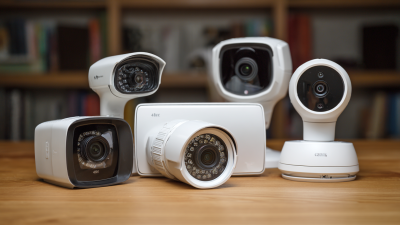
Security cameras differ by lens, housing, and connection type. Fixed dome cameras suit shop floors and office corridors, where a wide view matters and the lens is harder to identify from below. Bullet cameras make more sense along driveways or building edges; their visible shape can also signal that an area is monitored. PTZ cameras pan, tilt, and zoom across larger spaces such as parking lots, but they need active monitoring or preset movement to avoid missing activity elsewhere.
Network cameras send video over a local network, making remote viewing and multi-camera management practical. Analog systems can fit simpler, existing installations. Doorbell cameras focus on entrances, while thermal cameras detect heat patterns when visible-light images are poor. Each type has limits. A blind corner still defeats a carefully chosen camera. Placement matters.
The scale of the industry is growing: Grand View Research’s 2024 video surveillance market report estimated global market value at USD 74.6 billion in 2023, with a projected 10.2% annual growth rate through 2030. That figure reflects broad demand, not proof that every camera improves safety. For a real site, match the camera to the task: check entrances, measure the distance to faces or license plates, and consider glare, nighttime lighting, and storage needs. Small details count. A wide-angle view may cover more floor, but faces near the edges can look distorted.