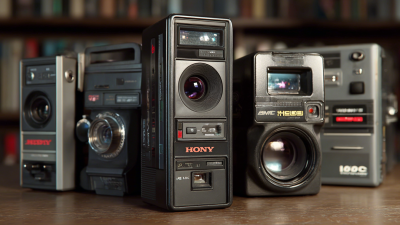

TREND FOR

MINIATURIZATION

What Is a Computer Vision Camera and How Does It Work?

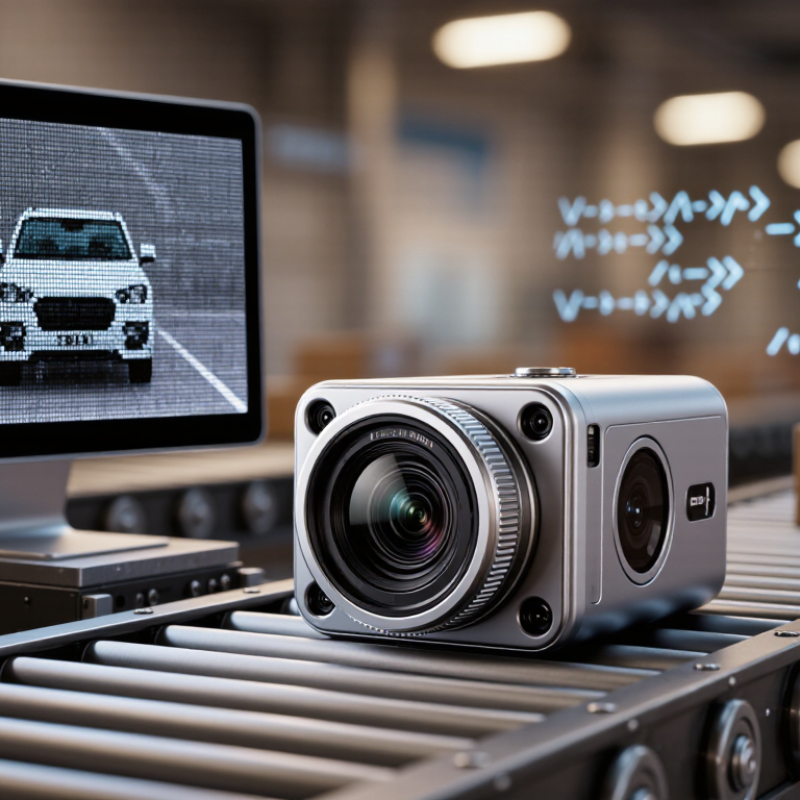
A Computer Vision Camera does more than record a scene; it turns light into visual data that software can interpret. Its sensor captures pixels, while lenses, exposure settings, and lighting shape the image before analysis begins. Algorithms then identify patterns, such as a person, a surface defect, a moving vehicle, or an item on a conveyor. Some systems run these models inside the camera; others send images to an edge computer or server. The distinction matters. A camera may deliver sharp footage yet still miss an object when glare, motion blur, or poor positioning interferes.

Computer vision researcher Fei-Fei Li has said, “If we want machines to think, we need to teach them to see.” That idea helps explain why a Computer Vision Camera is not simply a camera with smarter software. It combines image capture, processing, and a defined task, such as counting packages or checking whether a safety helmet is visible. In practical deployments, teams test it against real scenes, including changing light, cluttered backgrounds, and objects partly hidden behind others. They also review false detections and missed events, rather than trusting a single accuracy score. The details are easy to underestimate. Even a well-trained model can behave differently after a lens is replaced or a production line shifts. This guide explores how these cameras work, which components matter, and where their limits appear. The goal is useful understanding, not the assumption that vision is infallible.
What Is a Computer Vision Camera and How Does It Work?

What a Computer Vision Camera Is

A computer vision camera is a camera system designed to help a machine interpret images, not merely record them. It combines an image sensor, lens, and processing hardware or software that detects visual patterns. Those patterns might include edges, shapes, text, or changes between frames. A standard camera can capture the same scene, but it usually leaves interpretation to a person or another system. Here, image analysis is part of the intended task. The camera may process images locally or send them to a separate computer. It is not magic.

For example, on a production line, a camera might inspect a small part under steady lighting and flag a missing component. Its results depend on more than image quality: lens choice, focus, lighting, camera angle, and training data all matter. Shadows or a scratched surface can confuse a model. I have found the label “computer vision camera” can be a little fuzzy; some devices include built-in analysis, while others rely on external software. That distinction matters when choosing a system, since processing needs and response times can differ. Even a clear image does not guarantee a correct interpretation.
The Main Components of a Computer Vision Camera

The Main Components of a Computer Vision Camera

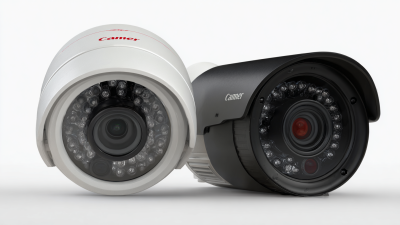
A computer vision camera turns light into image data that software can analyze. Its lens gathers light and focuses a scene onto an image sensor. The sensor converts incoming light into electrical signals, forming pixels. Sensor size, resolution, and sensitivity affect how clearly small details appear, especially in dim rooms.

Exposure controls help manage brightness. Shutter speed determines how long the sensor collects light, while gain can brighten a weak signal but may add noise. A processor then corrects and formats image data. Some cameras perform basic processing internally; others send raw or lightly processed frames to a connected computer. The connection and frame rate matter when scenes change quickly. A sturdy housing protects components, but heat and vibration can still affect image quality. Calibration helps align the camera’s measurements with real-world distances. It is easy to overlook, and that can undermine otherwise careful setup.

Tips: Match the lens and sensor to the distance and detail you need. Keep lighting steady, clean the lens, and test images in the actual working environment. Check for blur and glare. Small flaws matter. A camera that looks suitable on paper may need adjustment once installed.

What Is a Computer Vision Camera and How Does It Work? — The Main Components

Component Main Function Typical Characteristics How It Works in the Imaging Process
Lens and optics Collect and focus light onto the image sensor. Focal length, aperture, focus range, field of view, and distortion vary by application. The lens forms an optical image. Its focal length and sensor size help determine the camera’s field of view, while focus and aperture affect sharpness and the amount of incoming light.
Image sensor Convert incoming light into electrical signals. Usually CMOS; key characteristics include resolution, pixel size, frame rate, and sensitivity. Pixels collect light during an exposure and produce corresponding electrical values. The sensor reads these values to create image data.
Sensor readout and analog-to-digital conversion Turn sensor signals into digital pixel values. Bit depth is commonly 8, 10, 12, or more bits per pixel value, depending on the camera. Readout circuitry scans the sensor pixels. Conversion electronics digitize the signals so they can be processed and transmitted as image data.
Image signal processor (ISP) Prepare raw sensor data for viewing or analysis. May support demosaicing, color correction, noise reduction, sharpening, and exposure adjustments. The ISP applies selected processing operations. Some cameras output processed images, while others can provide minimally processed or raw data.
Processing unit Run computer vision algorithms or manage camera operations. May be an embedded processor in the camera or a separate computer connected to it. Software can detect features, classify objects, measure dimensions, or track motion using image data. Processing may happen in the camera, on a host computer, or across both.
Data interface Transfer images, metadata, and control signals. Common interfaces include USB, Ethernet, and Camera Link; bandwidth and cable length depend on the interface. The interface carries image data to a processing system and can also carry settings such as exposure time, gain, and trigger configuration.
Illumination Provide or control light on the scene. May use visible or infrared light, continuous lighting, or brief strobed illumination. Consistent lighting can improve contrast and reduce the effects of shadows or changing ambient conditions. The light source may be built in or installed separately.
Trigger and timing system Coordinate image capture with an event or production process. Can use software commands, hardware trigger inputs, or synchronized timing signals. A trigger tells the camera when to expose an image. Synchronization is useful when capturing moving objects or coordinating multiple cameras and lights.
Power and thermal management Supply operating power and help maintain stable performance. Power requirements vary; heat handling may use the camera housing, ventilation, or other thermal design features. Stable power supports the sensor and electronics. Managing heat helps prevent excessive temperature rise during sustained operation.
Housing and mounting Protect and position the camera and its internal components. Designs range from compact enclosures to sealed housings for dusty or wet environments. The housing supports alignment and mounting while providing a level of protection suited to the operating environment. Environmental ratings vary by camera design.

Specifications and component arrangements vary by camera. A typical system captures light through a lens, converts it into digital image data, and transfers or processes that data for a computer vision task.

How the Camera Captures and Prepares Visual Data

A computer vision camera does more than take a picture. Its lens focuses incoming light onto an image sensor, where tiny photosites convert light into electrical signals. The camera turns those signals into pixel values. Exposure time and gain affect brightness, while focus and lens quality affect sharpness. Some cameras also capture depth or infrared data. A moving hand can still blur, even with a capable sensor.

Tips: Keep the lens clean, secure the camera, and check focus on a real scene. A test image can reveal glare, shadows, or motion blur before data collection begins.

The camera or connected software then prepares images for analysis. Common steps include correcting color, reducing sensor noise, resizing frames, and changing pixel values into a consistent range. Systems may also crop images or attach timestamps. These choices matter: aggressive denoising can erase fine edges, while poor exposure can hide details in dark areas. It is tempting to call processed images “clean,” but that can overstate their quality. Lighting changes, dust, and imperfect calibration still affect what the system sees. Developers should inspect sample frames and record processing settings, rather than assume every captured image is reliable.

How Algorithms Interpret Images and Video

A computer vision camera turns incoming light into digital frames, but algorithms must do more than capture them. Each frame is a grid of pixel values. Software may adjust brightness, reduce noise, and resize the image before analyzing it. Pixels arrive first.

An object-detection model then looks for learned patterns, such as edges, shapes, and textures. It can mark a delivery box with a rectangle and assign a confidence score. That score is not certainty. A striped shadow or partly hidden object can confuse the model, especially when lighting changes. A camera watching a conveyor belt may also track the box across frames, helping distinguish a moving object from a brief visual glitch. Video adds time. Algorithms compare nearby frames to estimate motion and maintain an object’s identity, though fast movement can still produce blur or missed detections.

Some systems classify regions, while others divide an image into pixel-level areas, such as floor, person, or vehicle. The chosen method depends on the task, camera position, and computing limits. In practice, I would test with footage from the actual scene, not only clean sample images. Small changes in glare or viewpoint matter. Results also need human review when a mistaken detection could affect an important decision. The software labels visual patterns; it does not know what those patterns mean in a wider human context.

Common Applications and Practical Limitations

Computer vision cameras capture images and use software to identify patterns, objects, or movement. A warehouse system might count boxes as they pass a conveyor belt. A building may use cameras to estimate how many people enter a room. The camera supplies visual data; the computer interprets it.

Common uses include checking product dimensions, spotting defects, guiding robots around obstacles, and monitoring traffic flow. On a factory line, a camera can flag a bottle with a crooked cap before it reaches packing. In agriculture, images can reveal dry patches or signs of plant stress. These systems work best when the camera angle, distance, and lighting stay consistent. Small setup changes can matter.

Limitations are practical, not just technical. Dim light can hide details, while glare may resemble a defect. Fast movement creates blur. Dust on a lens can quietly degrade results. That matters. A model trained on clear images may misread an object partly covered by packaging, or confuse a shadow with a crack. Human review remains useful for unusual cases. It also helps teams notice when conditions have changed. Camera placement raises privacy concerns, too, so installations should collect only necessary images and restrict access. In real settings, results are rarely as tidy as a demonstration.